Gallery
Screenshots
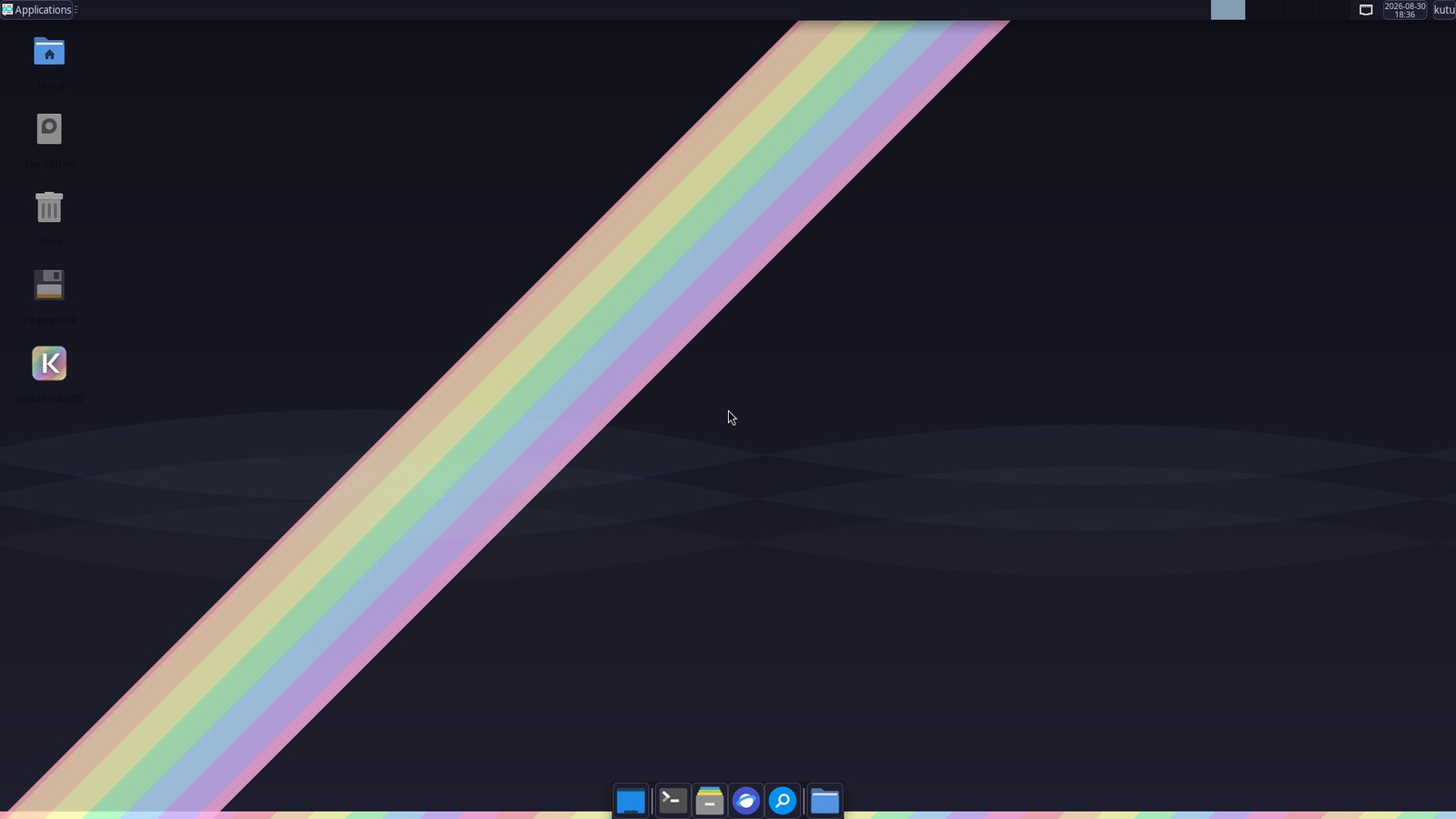
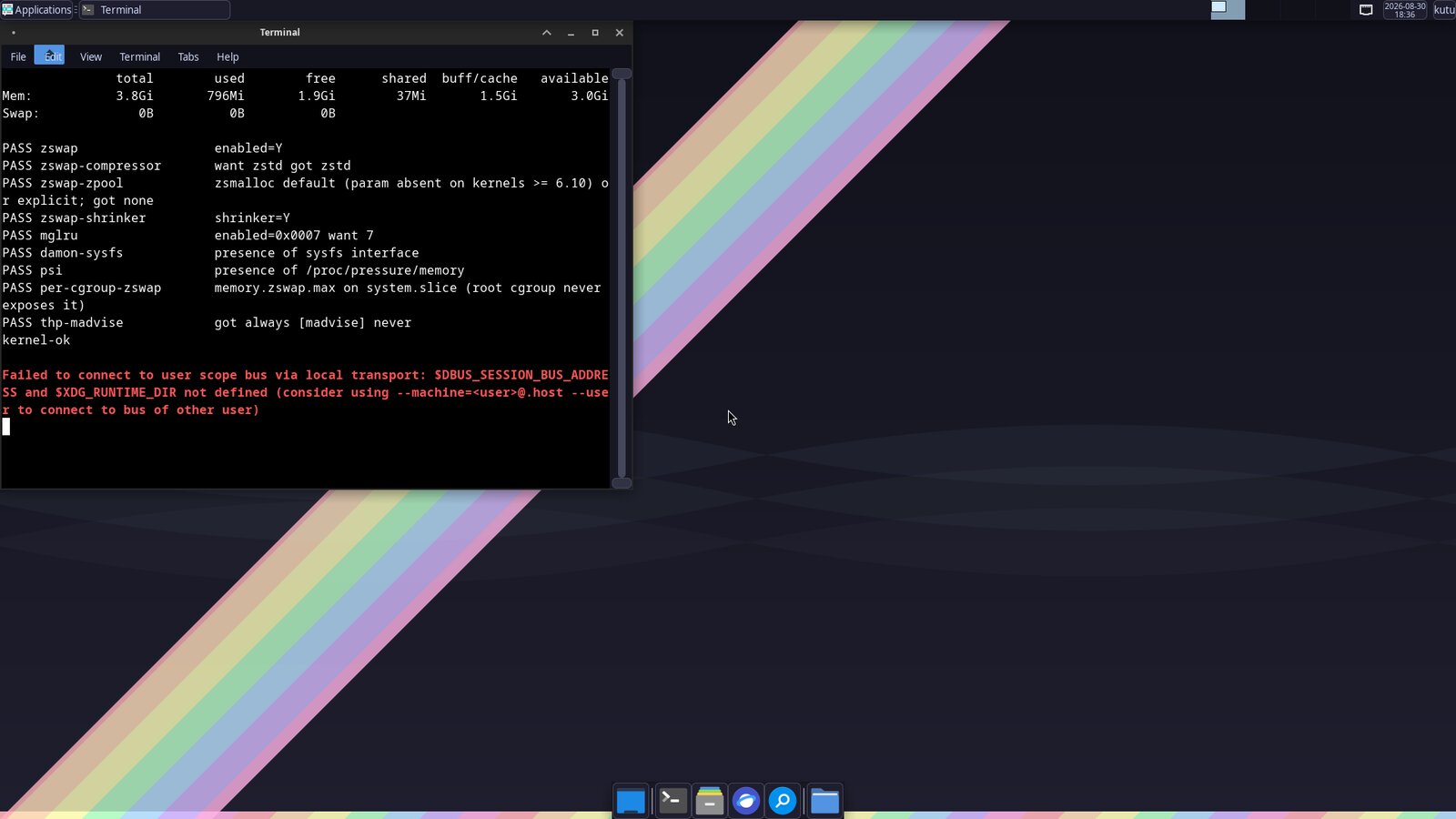
Captured from a QEMU boot of the actual ISO — the same image CI smoke-tests on every release.
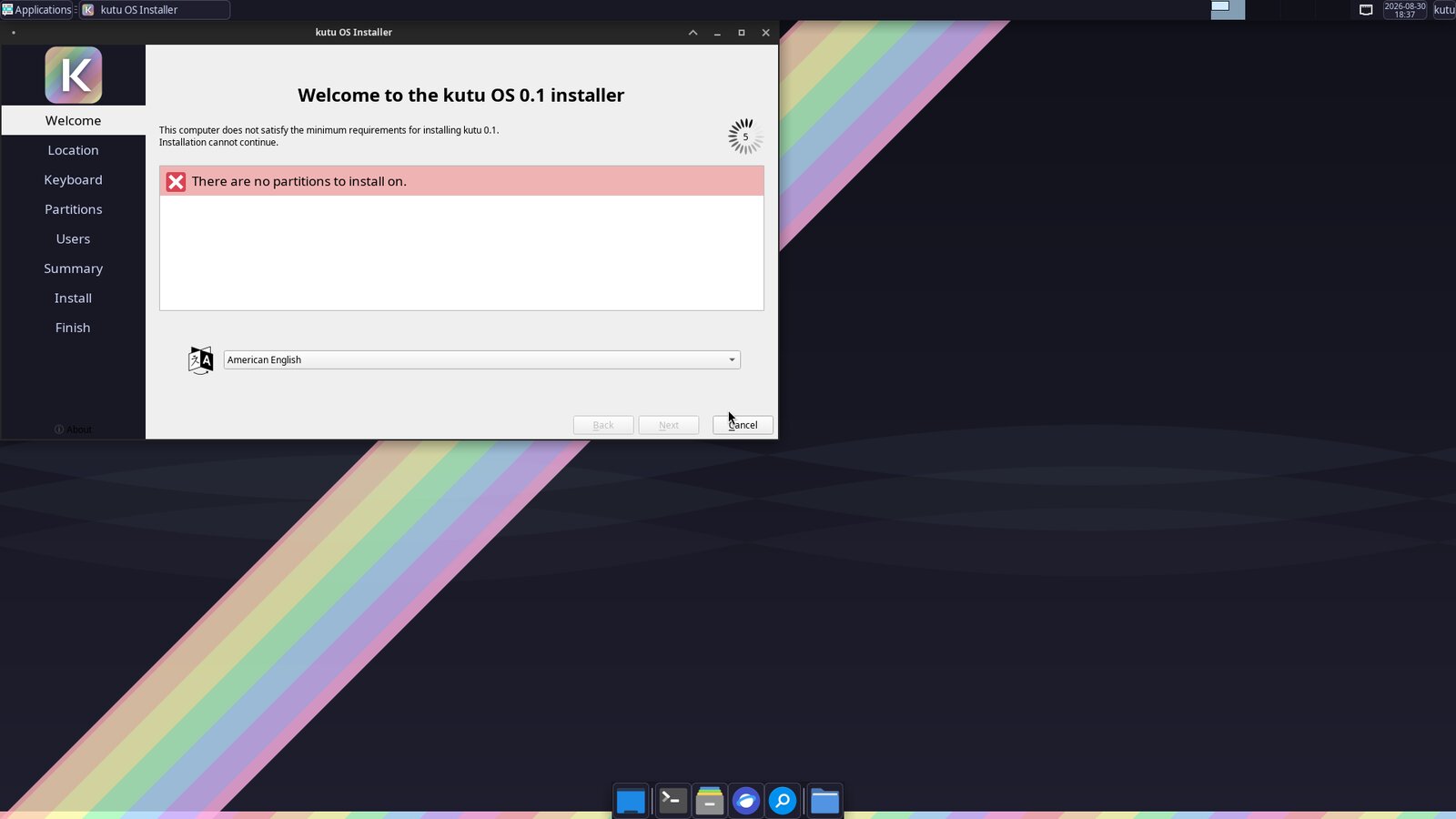
DRAM prices roughly quintupled between 2025 and 2026, and analysts expect no relief before 2028. kutu OS applies the memory stack Google and Meta proved at fleet scale — zswap, MGLRU, DAMON, PSI-driven oomd — to an ordinary desktop, with safe defaults and nothing to configure.
kutu-reset)Everything ships as ordinary pacman packages with safe defaults — no config files to babysit, no daemons to babysit either.
Hot pages stay in RAM. Warm pages compress 2–3× into the zstd zswap pool. Only genuinely cold data ever touches disk — the kernel does the triage, continuously.
The compressed pool can never eat your RAM — the cap is locked by the design spec and asserted at boot.
Boot the live USB, poke around, then let the Calamares installer put it on disk. No accounts, no network, no “call home” — the installer works from the stick.
Plain pacman -Syu against the kutu repository over HTTPS. It's still Arch underneath: the wiki, the AUR and everything else keep working.
sudo kutu-reset returns the entire memory stack to stock Arch behavior. Every tweak is a package; every package is removable.
Curated XFCE with a matching dark theme, Firefox wrapped in its own memory ceiling, notifications, power management and a set of wallpapers that ship as tiny SVGs — a distro for the DRAM-shortage era shouldn't waste storage either.
The same techniques Google and Meta run across millions of machines — on a desktop, with values fixed by a versioned design spec and asserted by a boot-time prober and CI smoke tests.
kutu-check-kernel.No partitioning homework, no installer account — the full walkthrough lives in the install guide.
Download the ISO, verify the SHA-256, dd it to a stick. That's the whole preparation.
The live session logs in by itself. Poke around — your disk stays untouched until you say otherwise.
“Install kutu OS” copies the running system to disk offline, rebuilds the boot chain, and calibrates the memory stack on first boot.
Captured from a QEMU boot of the actual ISO — the same image CI smoke-tests on every release.
The whole memory stack ships as ordinary pacman packages from the kutu
repository. Add the repo, install kutu-memory for the
kernel-level stack — or kutu-desktop-xfce for the
curated desktop on top — and undo it all with
kutu-reset whenever you like.
Add to /etc/pacman.conf:
# the kutu repository
[kutu]
# unsigned until v1 (spec decision D9)
SigLevel = Never
Server = https://kutuso.github.io/os/repo/$arch/
Then pacman -Syu kutu-memory — or grab the ISO for the full desktop.
Boot the live USB and see the difference before anything touches your disk.
Download the ISO